AI song generators let you quickly create original music from text prompts, lyrics, or images. This guide explains how to use these tools effectively, what to expect from output quality, and important legal and workflow considerations when using AI-generated music in your projects.
What an AI Song Generator Does
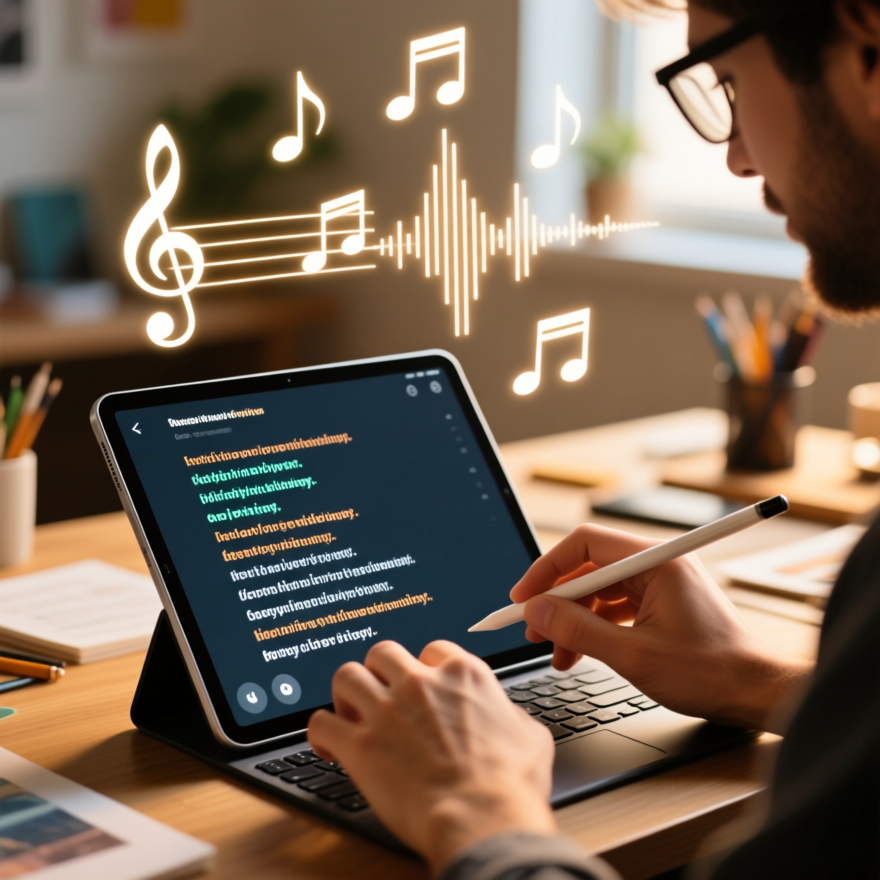
An AI song generator turns text prompts, supplied lyrics, or image inputs into musical output. The system composes melodies, selects instrumentation, and produces a full mix that can include vocals generated by the model.
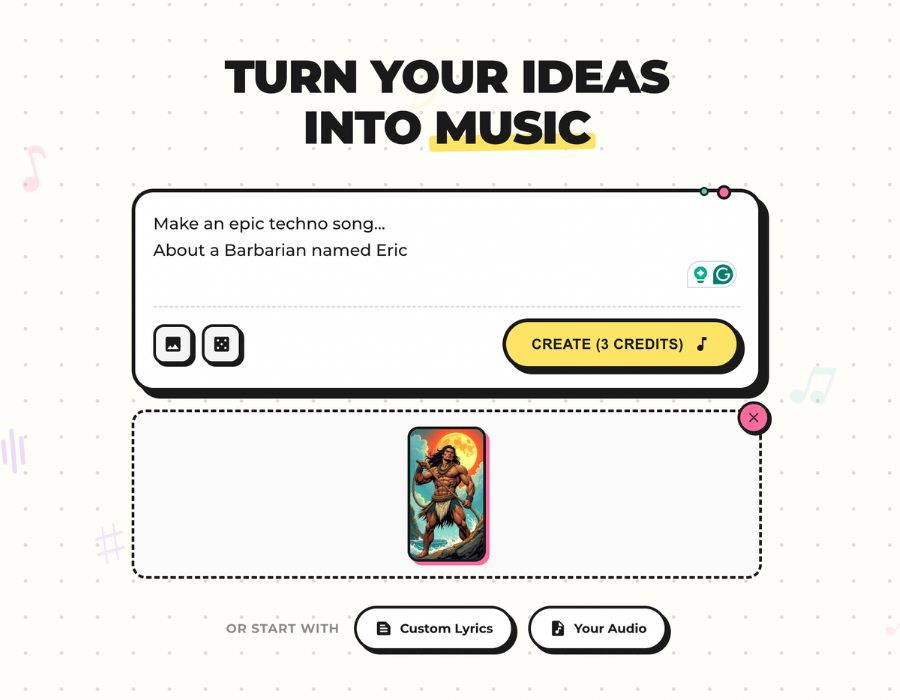
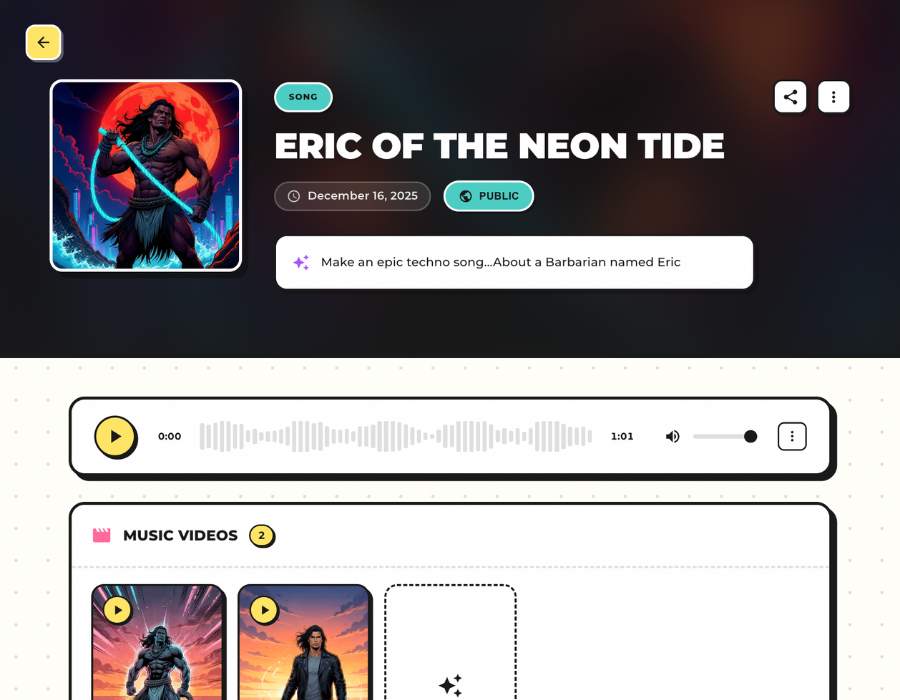
MusicBud.ai specifically allows creators to provide text prompts or paste lyrics, upload photos for inspiration, or upload their own audio files to create matching AI music videos. Once generated, songs can be previewed, edited, downloaded, and shared.
- Create songs from prompts, lyrics, or images
- Upload your own audio (up to 4 minutes) to create an AI music video
- Preview and edit before downloading or sharing
How to Make a Full Song Step-by-Step
Start by clarifying your idea: genre, mood, tempo, instrumentation, and any vocal style. The more precise the prompt, the closer the output will match your vision.
Paste your own lyrics if you want specific words sung. You can also upload a photo to influence mood and video visuals. Generate the song, review the result, then use the editor to adjust arrangement, mix balance, or vocal phrasing.
When satisfied, export the audio and optionally render a matching AI music video. MusicBud.ai provides a workflow to preview, iterate, and finalize outputs for download or sharing.
- Draft a clear prompt or paste lyrics
- Generate and listen to the initial version
- Edit, iterate, then export audio and video
Control, Quality, and Limitations
AI tools offer varying degrees of control. You can typically set genre, tempo, instrumentation, and vocal hints, but fine-grained performance nuances may require additional iterations or manual editing in a DAW.
Vocal realism has improved, yet generated vocals can still sound synthetic compared with professional recordings. Use AI vocals for demos, prototypes, or backgrounds; for commercial releases many creators blend AI parts with human performances.
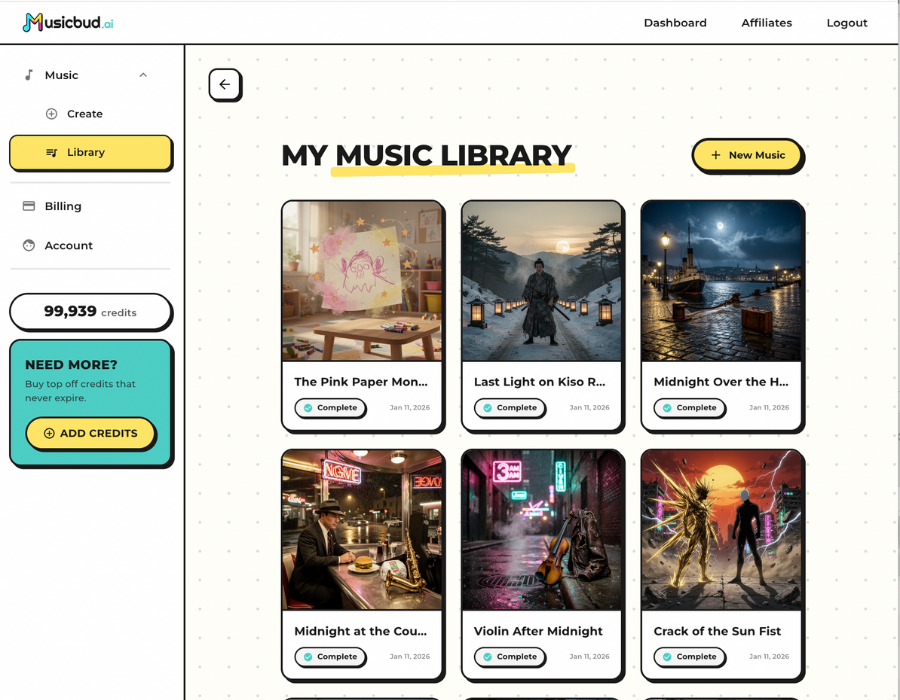
Export options differ by platform. Check MusicBud.ai’s export features in your dashboard to plan post-production workflows and confirm which file types are available.
- Good control over high-level choices; less precision on micro-performance
- Vocals can be realistic but may need human refinement for pro releases
- Check export options in your dashboard for available file types
Legal & Licensing Considerations
Copyright and commercial use of AI-generated music is an evolving area. Ownership often depends on what you contribute (lyrics, photos, uploaded audio) and the platform’s terms. MusicBud.ai states you retain ownership of what you create or upload within the rights you hold, but you must ensure your inputs are licensed or original.
If you ask the AI to mimic a living artist’s distinctive voice, you may face legal or platform restrictions. When in doubt, avoid direct imitations and consult legal counsel for commercial projects.
Free plans may include watermarks and limited commercial rights; paid tiers often offer cleaner exports and clearer licensing for commercial use. Review the platform’s terms and any relevant local copyright guidance before releasing music commercially.
- You own outputs only to the extent of your rights in the inputs
- Avoid asking AI to impersonate living artists to reduce legal risk
- Upgrade plans for watermark-free exports and clearer commercial terms
Workflow Tips for Creators
Treat AI-generated tracks as starting points. Export audio from MusicBud.ai, then use a DAW to tighten arrangements, improve mixes, or replace synthetic elements with live recordings.
Use images to prompt mood and visual direction—this helps when you render AI music videos that match a song’s emotional arc. MusicBud.ai’s image-to-music feature is useful for creating cohesive audio-visual content quickly.
Keep an organized prompt library. Save prompts that produced good results and note parameter settings (tempo, key, instruments). Iteration and consistent phrasing improve repeatability across projects.
- Use DAW post-production to refine AI outputs
- Leverage image-to-music for aligned video content
- Save and reuse effective prompts and settings
When to Use AI-Generated Music
AI song generators are excellent for rapid prototyping, songwriting inspiration, podcast or video backgrounds, and creating short-form content where speed matters more than studio-grade fidelity.
For commercial singles or major releases, many artists use AI to generate ideas or backing tracks and then re-record vocals or bring mixes into a professional environment for final polishing.
If you need quick, original music and matching visuals for social campaigns, AI generators provide a fast path from concept to polished shareable assets.
- Best for demos, content production, and rapid prototyping
- Blend AI parts with human performance for high-stakes releases
- Great for producing synced audio-visual assets quickly
Sources
Frequently Asked Questions
How do I create a song with MusicBud.ai?
Provide a text prompt or paste your lyrics, or upload a photo for inspiration. Generate the song, preview it, make edits in your dashboard, then download the audio or render an AI music video from the completed song.
Can I upload my own music?
Yes. You can upload an existing audio file (up to 4 minutes) and MusicBud.ai can create a matching AI music video for it.
Are AI-generated songs safe to use commercially?
Ownership depends on the rights you hold in your inputs and the platform’s terms. MusicBud.ai states users retain ownership of what they create or upload within the rights they have. Review the platform’s licensing rules and consult legal advice for commercial releases.
Do I get a watermark on videos?
Free plan videos include a small watermark. Paid plans remove the watermark so you can download clean videos ready to share.
How long does it take to create a music video?
Rendering an AI music video from an existing song typically takes about five minutes, since every element of the video is generated by AI.
Is there a free option to try MusicBud.ai?
Yes. You can create an account to get free credits that refill daily and try features without entering payment details.
 MusicBud.ai